


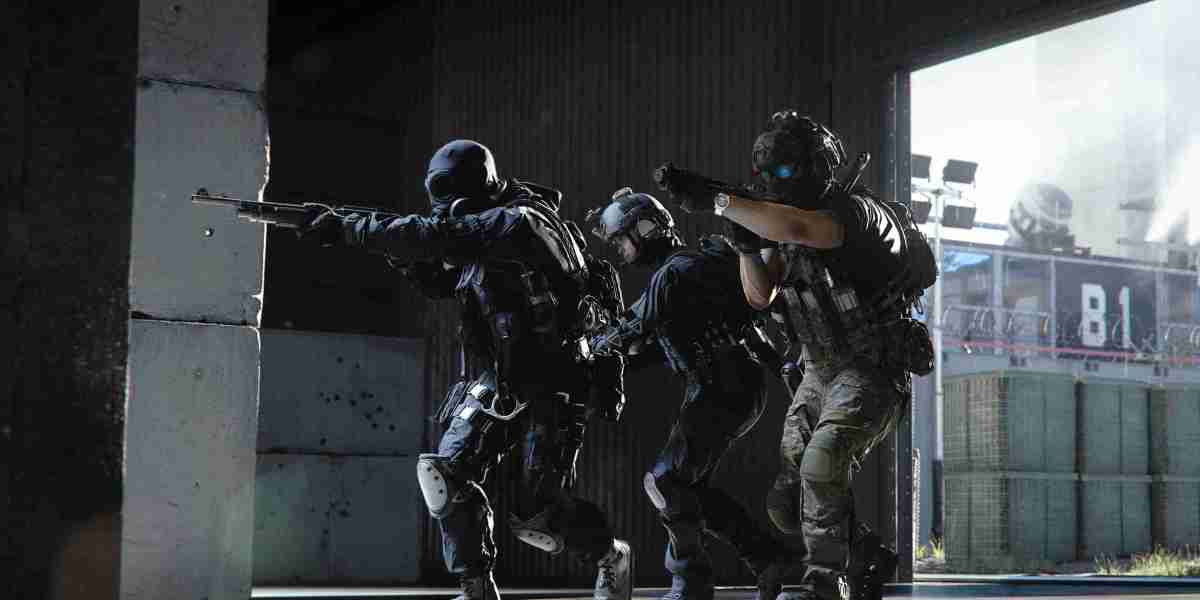
Matches in Modern Warfare 4 rarely come down to aim alone. A good setup gives you cleaner information and fewer awkward inputs when a fight gets messy. If you are comparing different ways to practise routes, timing, and weapon handling, MW4 Bot Lobbies can fit into that routine. Start with the controls before chasing fancy visual options. Sensitivity should feel steady when you make a small correction, not wild. Turn off anything that takes movement decisions away from you. You want the game to respond to what you pressed, when you pressed it.
Make movement feel intentional
Open the movement behaviour menu and spend a few minutes testing it in a private match. Tactical Sprint Activation on Single Tap Sprint is a practical choice for most controller players. One press gets you moving, and your left stick is not taking a beating every round. Keep Grounded Mantle on, too. It helps when you need to clear cover without losing momentum. Auto Door Peek is worth disabling. It can pull you into an animation at the wrong time, especially when you are trying to slip past a doorway or hold a tight angle.
Use Single Tap Sprint for quicker bursts from cover.
Leave Grounded Mantle enabled for dependable climbs.
Disable Auto Door Peek to keep door interactions under your control.
Prioritise a stable picture
High frame rates matter because targets do not stay still for long. On a capable PC, try AMD FidelityFX Super Resolution or NVIDIA DLSS and see which one looks better on your display. Do not just copy somebody else's setting. Run a few matches, watch distant player models, then adjust. AMD FSR's extra-frame setting may make motion look smoother, though it is smart to check how it feels with your own mouse or controller. A VRAM Scale Target around 85 is a sensible starting point. It leaves some breathing room and can reduce those annoying pauses when the action gets crowded.
Let sound do some of the work
Plenty of players leave audio untouched, then wonder why someone seems to appear out of nowhere. Home Theater can give footsteps, reloads, and nearby combat more space than a basic stereo preset. It will not suit every headset, so trust what you hear rather than a menu label. Keep Master Game Volume high enough to catch small cues. Lower music and voice chat if they keep masking steps. You will soon notice how often a reload behind a wall tells you exactly when to push.
Build a loadout around your pace
Your weapon choice should match the way you move through a map. The KG-7 Vulcan bolt-action sniper rifle rewards calm positioning and clean long-range shots, particularly once your image settings are easier to read. Pair it with field upgrades that support the lane you are holding or the route you keep taking. Players who want extra time to learn sightlines and refine their setup may choose to buy MW4 Bot Lobbies as part of their practice plan, then bring that confidence into regular multiplayer matches.
Andrew736
19 Блог сообщений



