


Writing a database assignment can feel challenging when you need to manage SQL queries, database design, normalisation, and technical explanations. Students seeking expert database assignment help often need support with understanding these areas and presenting their work clearly.
A strong database assignment is not only about writing correct SQL code. It also requires logical thinking, accurate data modelling, appropriate database concepts, and clear documentation. Whether you are working with MySQL, PostgreSQL, Oracle, Microsoft SQL Server, or another platform, a structured approach can make the task much easier.
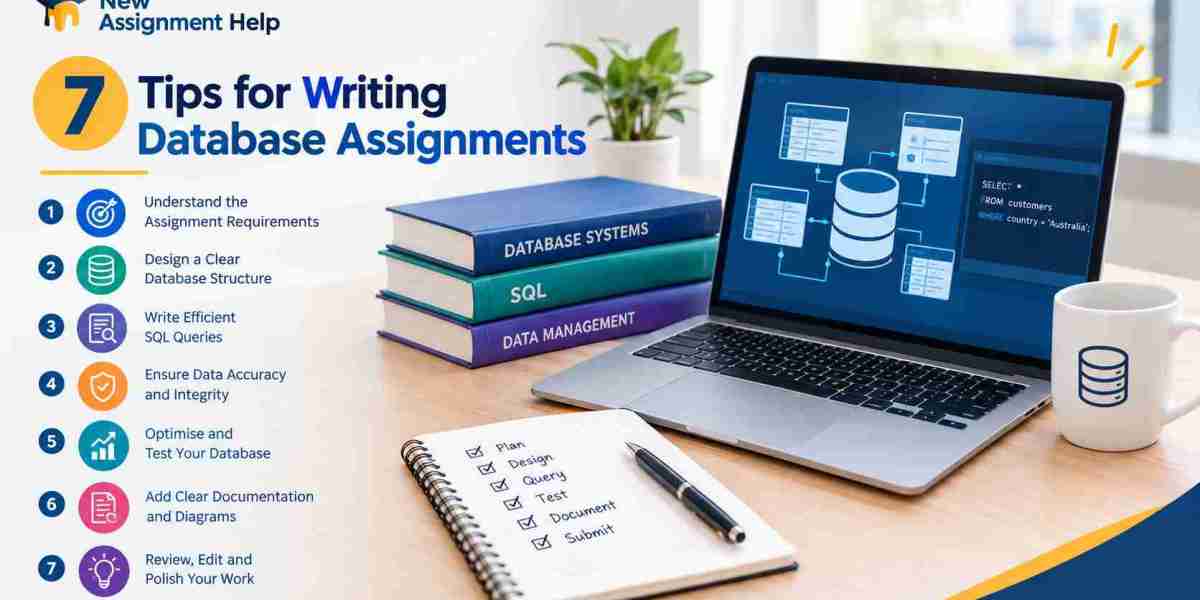
Here are seven practical tips to help you write better database assignments.
1. Understand the Assignment Requirements First
Before creating tables or writing SQL queries, read the assignment question carefully. Identify exactly what your lecturer expects you to submit.
Look for requirements such as:
Database design or ER diagrams
Table creation
Primary and foreign keys
SQL queries
Data insertion
Normalisation
Query results and screenshots
Written explanations
References or academic sources
It can help to divide the question into smaller tasks. For example, if the assignment asks you to design a database for a university system, identify the entities, relationships, attributes, and operations you need before starting the actual implementation.
This prevents you from spending time on unnecessary features and helps ensure that every part of the marking criteria is addressed.
2. Plan the Database Structure Before Coding
One of the most common mistakes students make is starting with SQL code without planning the database structure.
Begin by identifying the main entities in the given scenario. For a university database, these might include:
Students
Courses
Lecturers
Subjects
Enrolments
Next, determine the attributes associated with each entity. A Student table, for example, might contain StudentID, Name, Email, and DateOfBirth.
You should then identify relationships between the tables. An ER diagram can be useful because it gives you a visual representation of how the database will work.
Planning first makes the coding stage more organised and reduces the possibility of creating unnecessary or duplicated tables.
3. Use Primary and Foreign Keys Correctly
Keys are an essential part of relational database design. A primary key uniquely identifies each record in a table, while a foreign key connects one table to another.
For example, a StudentID could be the primary key in the Students table. If an Enrolments table contains StudentID, that field can act as a foreign key referring back to the Students table.
Using keys correctly helps maintain referential integrity and makes relationships between tables easier to understand.
When completing your assignment, do not simply add keys because the instructions mention them. Understand why each key is required and explain its role where appropriate. This demonstrates your understanding of relational database concepts rather than just your ability to write SQL syntax.
4. Pay Attention to Normalisation
Normalisation is another area that can make database assignments confusing. Its main purpose is to organise data efficiently and reduce unnecessary duplication.
The common normal forms include:
First Normal Form (1NF)
Data should be organised so that each field contains a single, atomic value rather than multiple values in one field.
Second Normal Form (2NF)
The database should satisfy 1NF and remove partial dependencies from tables with composite keys.
Third Normal Form (3NF)
The database should satisfy 2NF and remove inappropriate transitive dependencies.
You do not always need to take a complicated approach. Start by checking whether the same information is being repeated unnecessarily. If customer details, for example, appear repeatedly across transaction records, consider whether those details should be stored in a separate table.
When writing your assignment, explain the changes you make during normalisation. Showing the reasoning behind your database design can make your work much stronger.
5. Write and Test SQL Queries Carefully
Correct SQL syntax is important, but testing is equally important. A query that looks correct may still produce incorrect results.
Start with simple queries before moving to more complex ones. For example:
SELECT StudentName, EmailFROM Students;Once you are comfortable with basic queries, you can work with:
WHERE conditions
ORDER BY
GROUP BY
Aggregate functions
JOIN operations
Subqueries
INSERT, UPDATE and DELETE statements
Always check whether the output actually answers the question. If an assignment asks you to find students enrolled in a particular subject, confirm that your JOIN conditions and filtering criteria are producing the expected records.
Keep a small set of test data while developing your queries. This makes it easier to identify errors and understand why a particular query is producing unexpected results.
6. Explain Your Work Instead of Only Showing Code
A database assignment should demonstrate your understanding, not simply contain pages of SQL code.
After presenting an important query, briefly explain what it does and why you used particular SQL clauses.
For example, if you use an INNER JOIN, explain which tables are being connected and what information the query retrieves. If you use GROUP BY with COUNT(), explain why the records need to be grouped.
The same principle applies to your database design. Do not only insert an ER diagram into the assignment. Add a short explanation of the entities, relationships, keys, and design decisions.
Clear explanations make technical work easier for your marker to follow and show that you understand the concepts behind your implementation.
7. Review the Assignment Before Submission
The final review is often overlooked, but it can help catch simple mistakes.
Before submitting your database assignment, check whether:
All assignment questions have been answered
Table names are consistent
Primary and foreign keys are correctly defined
SQL queries have been tested
Screenshots show readable results
Database relationships are accurate
Normalisation has been explained where required
Formatting follows your university guidelines
References are included correctly
Spelling and grammar have been checked
It is also worth checking whether your screenshots actually demonstrate the required results. A screenshot of SQL code alone may not be enough if the task asks you to show the query output.
Finally, read the assignment from the marker's perspective. Ask yourself whether someone unfamiliar with your work could understand the database structure, your reasoning, and the results.
Common Mistakes to Avoid in Database Assignments
Along with following these tips, be careful about some common problems. Creating too many unnecessary tables can make a database difficult to manage, while putting too much information into a single table can create redundancy.
Another mistake is using unclear names such as Table1 or Data2. Meaningful names make your database easier to understand and maintain.
Students should also avoid submitting untested queries. Even a small spelling error in a column name or an incorrect JOIN condition can affect the final result.
Most importantly, do not rely entirely on generated code without understanding it. If you use online resources or software tools while working on an assignment, review the output and make sure you can explain how it works.
Conclusion
Writing a good database assignment requires more than knowing SQL syntax. You need to understand the problem, plan your database structure, use keys appropriately, apply normalisation, test your queries, and clearly explain your decisions. A careful final review can also prevent small technical or formatting mistakes from affecting your submission.
By following these seven tips, students can approach database assignments with greater confidence and develop practical skills that are useful beyond university. If you need structured academic guidance while working through a challenging task, choosing Best assignment help australia can also provide additional support.



