


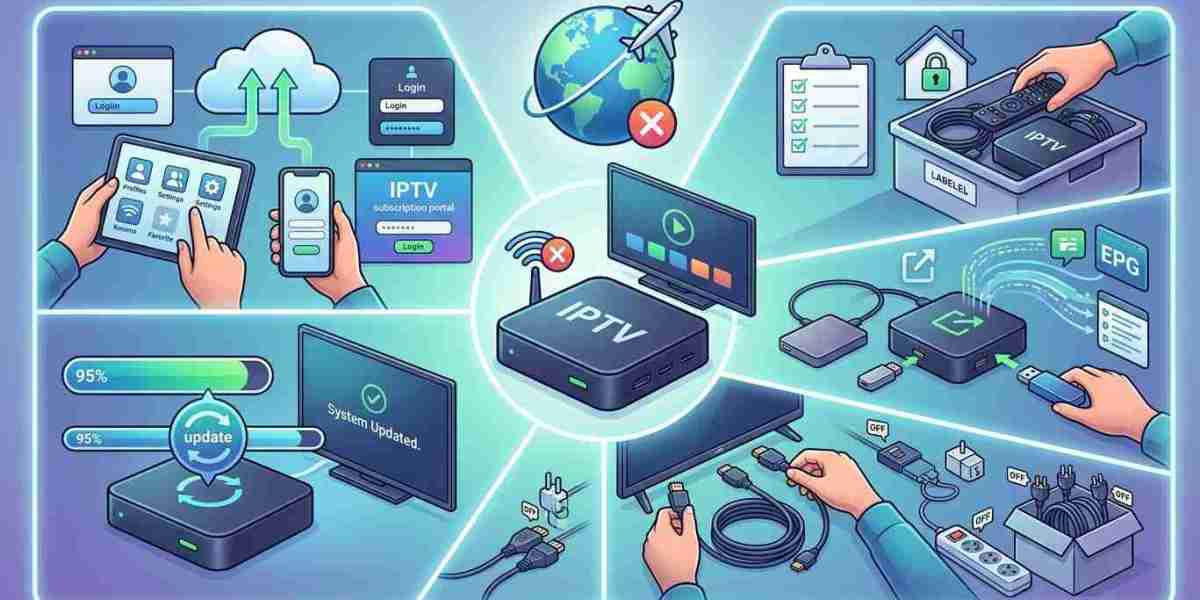
Heading off for a few weeks, a visit to India, or a long stay with family? A few minutes of preparation will protect your equipment, keep your account tidy, and make it easy to start watching again when you return. In this guide, we’ll cover what to do with your subscription, your hardware, and your network, so your IPTV India service and Indian IPTV Box are ready when you are.
Table of Contents
- Decide What You Want While You’re Away
- Handle Your Subscription
- Protect Your Hardware
- Plan for Your Internet
- Secure Your Account and Home Network
- Taking IPTV With You
- Returning Home: A Quick Restart Routine
- Pre-Departure Checklist
- FAQs
Decide What You Want While You’re Away
Your plan depends on what you need:
- Nothing. The house is empty, and you won’t watch anywhere
- Watch while traveling, on a phone, tablet, or laptop
- Keep the home setup running, such as for relatives staying at your place
- Pause for a while and resume when you return
Answering this first makes the rest straightforward.
Handle Your Subscription
- Check your billing cycle and renewal date. Know when you’ll be charged and whether the plan renews automatically
- Read your provider’s policy on pausing or suspending. Some offer it, many don’t, so ask rather than assume
- Consider switching to a monthly plan if you’re unsure about your return date, or cancel before renewal if you won’t be using it, remembering any refund and cancellation terms
- Avoid paying for a long gap if you don’t need to, but check whether lapsing affects your pricing or settings
- Save your login details and playlist link somewhere secure, such as a password manager, so you can set up again from any device
- Check your plan’s device limit, if you’ll use more than one device while traveling
- Update your payment details if a card is expiring, to avoid an accidental lapse
Terms vary by provider, so confirm the details in writing if they matter.
Protect Your Hardware
If your equipment will sit unused:
- Power it down and unplug it, or at least switch off the power strip. This also reduces the risk from storms and surges
- Unplug network cables and coaxial lines during stormy seasons if the house will be empty
- Clean it first, with a dry cloth and compressed air, while it’s unplugged
- Keep it away from windows and direct sunlight, since heat can build up in a closed house
- Avoid damp spots, and keep humidity moderate if you can
- Cover or store it so dust doesn’t collect, but don’t seal it in a way that traps moisture
- Remove batteries from remotes to prevent leaks
- Consider a surge protector or UPS for gear you leave connected, such as your router
- Take a photo of the cable setup so you can reconnect everything quickly afterward
Our guides to seasonal conditions and cable management go into more detail on heat, humidity, and tidy connections.
Plan for Your Internet
- Decide whether your home internet should stay on. If nothing needs it, turning off the router saves a little power, but a camera, alarm, or smart device may need it
- Leave critical devices on a UPS if power cuts are likely
- Check your internet provider’s terms if you’re thinking of pausing service, since some offer vacation holds and others don’t
- Note your router and modem login details, and your Wi-Fi password
- Update firmware before you leave, while you’re at home to fix any problems
- Restart equipment in the right order when you return: modem first, then router, then box
Secure Your Account and Home Network
- Log out of the IPTV app on devices you won’t use, and on shared or borrowed devices you’re leaving behind
- Change your password if you shared it with someone, and avoid sharing it further
- Don’t post your travel plans publicly in ways that announce an empty house
- Keep your playlist link and credentials private
- Review connected devices in your router, and remove ones you don’t recognize
- Turn on automatic updates for your router and devices, if you’re comfortable with them
- Use strong Wi-Fi security, as in our home network guide
- Ask a trusted person to check on the house, and keep any instructions simple
Taking IPTV With You
If you plan to watch on your trip:
- Install the app on a phone, tablet, or laptop and test it before you leave
- Download updates while you’re on your home Wi-Fi
- Check your plan’s rules on how many devices can stream at once and any restrictions on use abroad
- Plan your data. HD streaming can use roughly 1.5 to 3 GB per hour, so check your mobile plan and roaming charges, and prefer Wi-Fi where you can
- Test over a mobile hotspot to see how the app behaves on a slower connection
- Pack chargers and cables, and a power adapter if you’re traveling internationally
- Consider taking your Indian IPTV Box only if the TV and network at your destination suit it, and be mindful of hotel or public Wi-Fi login pages, as our guide to hotel networks explains
- Remember time zones, and check program times for where you’ll be
Returning Home: A Quick Restart Routine
- Check the room and equipment for dust, moisture, or damage
- Plug in the modem first and wait for it to connect
- Plug in the router, and confirm Wi-Fi works
- Reconnect the Indian IPTV Box to power, the TV, and the network
- Let devices update, and check for new firmware
- Open your IPTV app and check whether you need to log in again, using your saved details
- Test several channels, including a busy one
- Verify your subscription status and renewal date
- Reinsert remote batteries and test the remote
Pre-Departure Checklist
- Review billing, renewal date, and pause or cancel options
- Save login details and playlist link securely
- Clean and power down equipment
- Unplug cables if storms are likely
- Remove remote batteries
- Decide what stays online, such as the router for cameras or alarms
- Log out on shared devices
- Set up the app on your travel devices and test it
- Check data and roaming plans
- Share simple instructions with someone who’ll check on the house
FAQs
1. Should I unplug my IPTV box while I’m away?
For a long absence, yes. It saves a little power and protects against storms and surges. Keep anything unplugged in a dry, shaded spot.
2. Can I pause my IPTV subscription?
It depends on the provider. Ask whether they offer a pause or suspension, and check the terms for renewal and cancellation before you decide.
3. Will my login still work after I get back?
Usually, yes, if your subscription is active and your details haven’t changed. Keep your credentials saved in case you need to log in again.
4. Can I watch on my trip with the same subscription?
Often yes, on a phone, tablet, or laptop, within your plan’s device limits. Check any terms about use abroad, and plan your data.
5. What should I do first when I get home?
Reconnect and power up the modem, then the router, then the box. Update, log in if needed, and test a few channels.
Leave With Confidence, Return With Ease
A few simple steps protect your gear and your account, and make it easy to get back to your favorite channels. Pair a dependable IPTV India subscription with a well-cared-for Indian IPTV Box, and enjoy your trip knowing your setup is ready. Explore our IPTV plans today and keep your entertainment travel-ready.



