

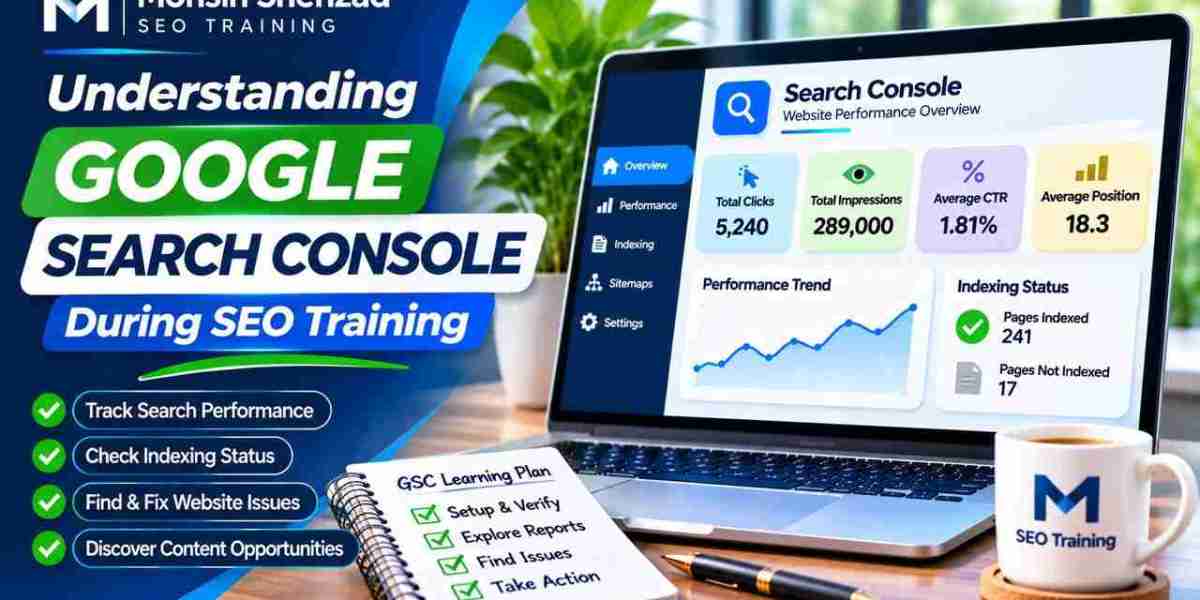
For new SEO students, the dashboard may initially seem complicated. Reports contain unfamiliar measurements such as impressions, clicks, average position, and indexing status. However, learning to interpret these measurements can make practical SEO assignments considerably easier.
Understanding Google Search Console during SEO training helps beginners move beyond assumptions and develop research, troubleshooting, and reporting skills using real website information.
What Is Google Search Console?
Google Search Console is a free service from Google that helps authorized website owners monitor and investigate their website's presence in Google Search.
It provides search performance information, indexing reports, and tools for examining individual URLs.
Unlike a general website analytics platform, Search Console focuses primarily on how Google discovers and presents website content in its search services.
Why Beginners Should Learn Search Console
Students can use Search Console to understand the relationship between search queries and website pages.
It also helps them investigate technical problems and evaluate changes in organic visibility.
Learning these skills creates a foundation for keyword research, content optimization, and technical SEO.
Setting Up Google Search Console Correctly
Before viewing website data, users must add an appropriate property and complete the required ownership verification or receive authorized access.
A Domain property can cover multiple protocols and subdomains, while a URL-prefix property applies to a specified URL prefix.
Beginners should understand these differences because selecting an incorrect property can lead to confusion about missing information.
Understanding Website Verification
Verification confirms that a user has the necessary control over a website or has been granted access through an approved process.
Available methods can include DNS records, HTML files, or other supported verification options.
Students should practise using their own websites or authorized training properties.
They should never request private credentials simply to complete an exercise.
Learning the Search Performance Report
The Performance report is an excellent starting point for practical SEO analysis.
It helps learners examine the queries and pages associated with organic search visibility.
Students seeking a more structured learning experience can explore Google Search Console training for SEO beginners when comparing practical exercises involving keyword analysis, reporting, and website optimization.
Understanding Clicks and Impressions
Clicks measure interactions with search results that lead users to a website.
Impressions indicate how often eligible website results are shown in Google Search.
A page may receive impressions without attracting clicks, which can suggest opportunities for further investigation.
However, impressions alone do not demonstrate that a page satisfies visitors.
Interpreting CTR and Average Position
Click-through rate represents clicks divided by impressions.
Average position summarizes where a website's results appeared across relevant impressions.
Students should avoid treating average position as a fixed ranking because positions vary across queries, devices, and search contexts.
Using Search Queries for Keyword Research
The Queries tab helps learners discover search terms associated with their website.
This information can reveal relevant audience interests and unexpected keyword variations.
For example, a training website may receive impressions for educational questions that its existing articles only partially answer.
Beginners can examine these queries and recommend clearer explanations or additional supporting content.
Practising Query Analysis
A useful assignment involves selecting one page, filtering its performance data, and examining the queries connected with it.
Students should identify the primary search intent and determine whether the page addresses that need.
They must also understand that privacy protections and reporting limits mean Search Console does not display every individual search query.
Understanding the Page Indexing Report
The Page indexing report helps website owners investigate which known URLs are indexed and why others may be excluded.
Not every excluded page represents an error.
Duplicate URLs, intentionally restricted pages, and removed content may be excluded for valid reasons.
Investigating Unexpected Exclusions
Beginners should identify important pages that appear to be missing from Google's index.
They can examine reported reasons and compare them with the website's intended configuration.
The objective is to distinguish genuine problems from expected indexing decisions.
Students should avoid changing robots.txt, canonical tags, or noindex directives without understanding their effects.
Practising With the URL Inspection Tool
URL Inspection provides information about Google's indexed version of a specific URL.
It can also test whether the current live page appears accessible and potentially indexable.
Students can examine canonical information, crawling details, and reported indexing conditions.
Understanding Indexing Requests
Search Console may allow authorized users to request indexing for eligible URLs.
However, requesting indexing does not guarantee that Google will index the page or improve its rankings.
Beginners should first investigate technical problems and content accessibility rather than repeatedly submitting the same URL.
Learning Basic SEO Reporting Skills
Search Console helps students practise turning website information into understandable reports.
A beginner report might compare organic clicks, impressions, relevant queries, and important landing pages across suitable periods.
Explaining Performance Changes
Students should investigate changes before attributing them to a particular SEO activity.
Search demand, competition, seasonality, and website updates can all influence performance.
A responsible report separates confirmed observations from possible explanations.
Common Search Console Mistakes Beginners Should Avoid
One mistake is assuming every excluded URL requires immediate indexing.
Another is treating average position as an exact daily ranking for every user.
Beginners may also compare incomplete recent data with finalized historical periods or assume Search Console and Google Analytics should report identical numbers.
These tools measure different activities and use different processing methods.
Understanding their limitations helps students avoid misleading conclusions.
Building a Practical Search Console Learning Routine
Beginners can start by reviewing performance metrics and identifying important website pages.
Next, they can investigate relevant queries, examine indexing conditions, and document observations.
Each exercise should produce a short explanation of the findings and a sensible recommendation.
Consistent practice helps students develop the confidence to interpret reports without relying entirely on automated tools.
Conclusion
Understanding Google Search Console is an essential part of practical SEO training.
The platform helps beginners study organic search visibility, investigate indexing conditions, examine search queries, and prepare meaningful performance reports.
Students should focus on interpreting evidence accurately rather than chasing individual metrics or assuming every warning indicates a problem.
With authorized access, structured exercises, and regular feedback, Google Search Console can become a valuable foundation for professional SEO analysis.
Frequently Asked Questions
1. Is Google Search Console free for SEO beginners?
Yes. Google Search Console is a free Google service, although users need appropriate access to view a website's private performance information.
2. What should beginners learn first in Search Console?
Beginners should understand property verification, Performance reports, search queries, indexing status, and the URL Inspection tool.
3. Does Google Search Console show exact keyword rankings?
It reports average position across eligible search impressions, not a universal fixed ranking for every user or search.
4. Can Search Console guarantee website indexing?
No. Its tools help investigate indexing and request crawling, but Google decides whether eligible content is indexed.
5. How can SEO students practise Search Console safely?
Students can use websites they own, authorized training properties, or clearly labelled sample reports without exposing confidential business data.