

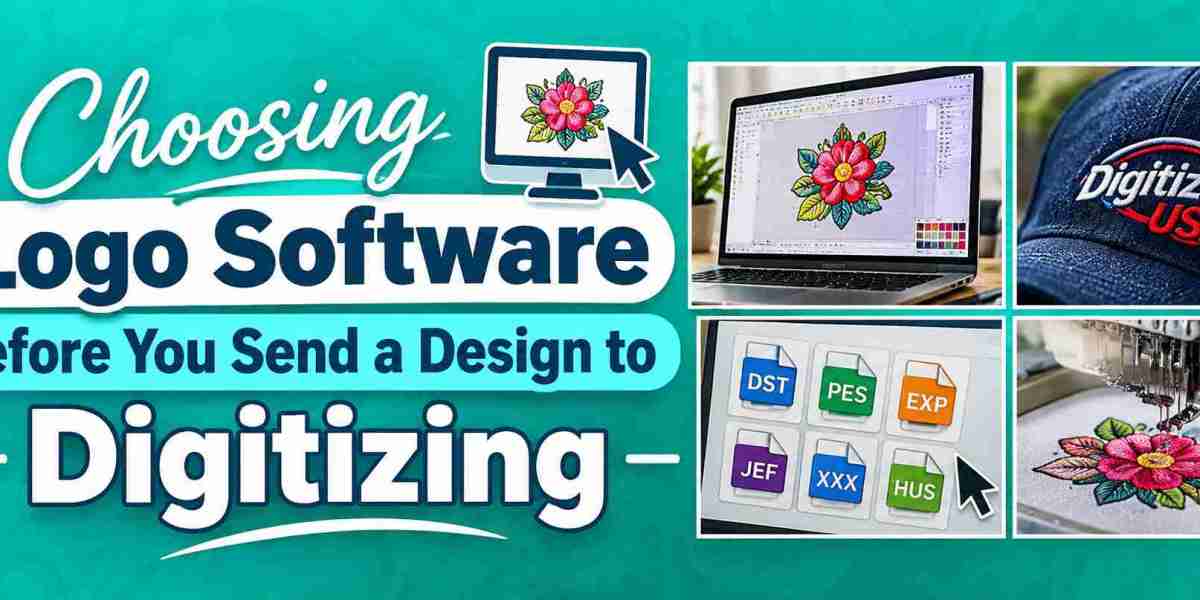
A logo that looks good on a computer screen may create problems once it reaches an embroidery machine. Small letters, thin lines, and closely spaced details can be difficult to stitch, even when the original artwork looks clean. That is why choosing the right design software matters before sending a logo for digitizing.
The software you use should help you create artwork that is easy to edit, resize, and prepare for production.
What Should You Look for in Logo Software?
Not every design program has the same features. Some are made for simple business logos, while others provide more control over shapes, paths, and colors.
When comparing the best logo design software, look for these features:
- Vector editing: Makes it easier to resize artwork without losing image quality.
- Shape tools: Help create clean outlines and simple design elements.
- Text controls: Give you more control over letter spacing, font size, and alignment.
- File export options: Make it easier to share artwork in suitable formats such as SVG, EPS, or PDF.
Programs like Adobe Illustrator and CorelDRAW are useful choices for creating and editing vector artwork. However, they do not automatically turn a logo into a machine-ready embroidery file.
Think About Stitching Before Finalizing the Design
I have seen logos with very small text and narrow gaps that look fine on screen but become difficult to reproduce with thread. These details need attention before digitizing begins.
For embroidery projects, check the following:
- Avoid extremely thin lines.
- Keep enough space between letters.
- Do not use too many tiny details.
- Make sure the main shapes are easy to recognize.
A clean vector file also makes revisions easier. If the artwork is blurry or made from a low-quality image, vector tracing for embroidery can help rebuild the logo with cleaner shapes before digitizing.
Final Artwork Is Not the Final Stitch File
Logo software prepares the artwork, but embroidery digitizing converts that artwork into stitch instructions. The digitizer still needs to decide stitch types, density, direction, and underlay.
Getting the artwork right first saves time during production and reduces unnecessary corrections later.