

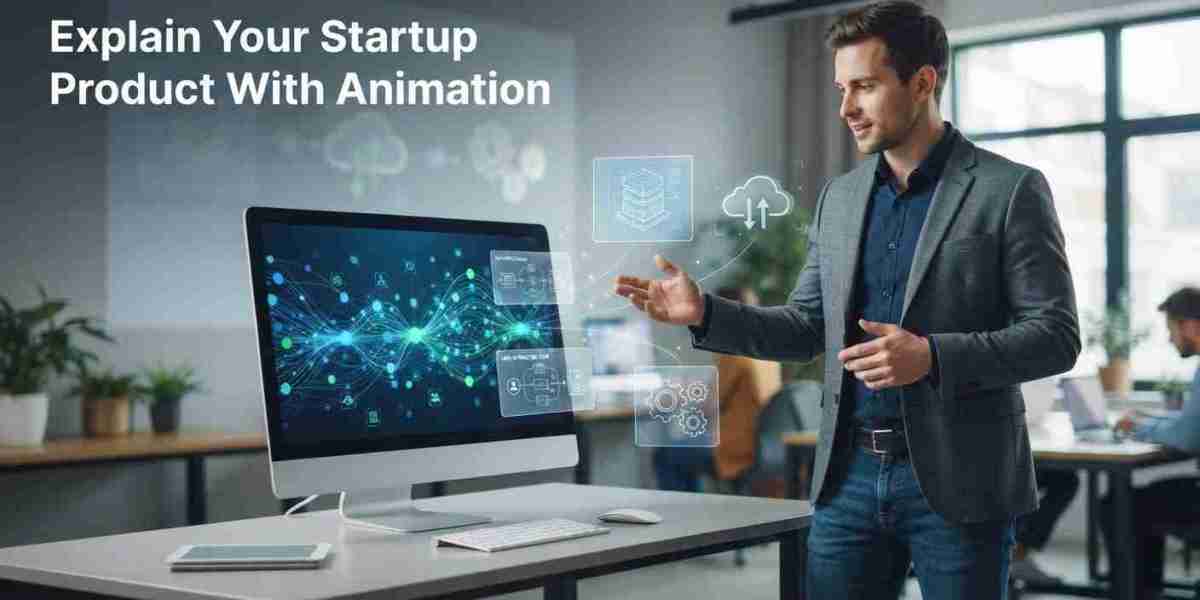
Startups can create an explainer video for a difficult-to-demonstrate product by using animation, simplified diagrams, visual storytelling, and clear narration to show how the product works. Instead of relying on physical demonstrations, businesses can use 2D animation, 3D visuals, and motion graphics to explain invisible processes, software features, technical concepts, and products that are still under development.
For startups, explaining an unfamiliar product can be challenging. Potential customers may struggle to understand a new technology or service through written descriptions alone. A well-planned explainer video makes complex ideas easier to understand and helps startups communicate their product's value before customers try it.
Why Is It Difficult to Demonstrate Some Startup Products?
Some startup products are difficult to demonstrate because their main functions are invisible, digital, highly technical, or not yet available as physical products.
Common examples include:
AI-powered software and automation tools.
Cloud computing platforms.
Cybersecurity solutions.
SaaS applications.
Digital payment systems.
Products still in development.
Advanced technology and connected devices.
For example, a startup developing AI-powered business software cannot always show its internal algorithms through a traditional product demonstration. Animation can illustrate how information enters the system, how the software processes it, and what results users receive.
How Can Startups Create an Explainer Video for Difficult Products?
Startups can follow these seven steps to turn complicated product concepts into understandable videos.
1. Identify the Main Product Message
Start by deciding what viewers should understand after watching the video.
Focus on three questions:
What does the product do?
What problem does it solve?
How does it help customers?
Avoid explaining every technical feature at once. A focused message makes the video easier to follow.
2. Understand the Target Audience
Consider whether the video targets consumers, business owners, investors, or technical professionals.
For example, a startup selling cybersecurity software should explain threat protection and business safety to general customers, while technical buyers may need more information about security processes.
3. Simplify Technical Information
Replace complicated terminology with familiar language without changing the product's actual capabilities.
For example:
Technical description: "The platform uses automated machine learning algorithms to identify unusual transaction patterns."
Simplified explanation: "The software analyzes transactions and identifies activity that may require attention."
This makes the product easier to understand without removing its technical value.
4. Use Animation to Visualize Invisible Processes
Animation can demonstrate processes that cameras cannot capture.
A startup developing cloud storage software could show files moving from a user's device to a cloud platform and becoming accessible across connected devices.
A professional 2D animation company can use illustrations, icons, diagrams, and motion graphics to make these processes understandable.
5. Create a Simple Storyboard
Divide the explanation into individual scenes.
A practical structure includes:
Introduce the customer's problem.
Present the startup's product.
Show how the product works.
Highlight its main benefits.
End with a clear call to action.
A storyboard helps ensure that every visual supports the narration.
6. Choose the Right Animation Style
Choose an animation approach based on what needs to be demonstrated.
2D animation: Suitable for software, digital platforms, workflows, and abstract concepts.
3D animation: Useful for physical products, internal components, and product designs.
Motion graphics: Effective for presenting data, technical information, and processes.
Whiteboard animation: Helpful for educational explanations and step-by-step concepts.
Startups can also combine multiple styles when their products require different types of demonstrations.
7. Review the Video Before Publishing
Ask people unfamiliar with the product to watch the video.
Check whether they understand its purpose, main features, and benefits. If they cannot explain the product afterward, simplify the script or improve the visual demonstrations.
What If the Startup Product Is Still Under Development?
Startups do not need a finished product to create an explainer video.
Animation can present product concepts, planned features, software interfaces, and proposed workflows before development is complete.
For example, a startup building a smart home device can use 3D animation to demonstrate its expected design and show how users will interact with it.
However, distinguish planned features from existing capabilities. Never present unfinished functionality as an already available product feature.
Common Mistakes Startups Should Avoid
Too much technical information: Focus on the most important product functions.
Unclear messaging: Explain the product's purpose early.
Unnecessary visual effects: Use animation to support understanding.
Feature overload: Prioritize customer benefits.
Unrealistic demonstrations: Represent product capabilities accurately.
No clear CTA: Tell viewers what to do next, such as requesting a demo or joining a waiting list.
How Can an Explainer Video Company Help Startups?
An experienced explainer video company can help startups turn complex product information into clear scripts, storyboards, and animated demonstrations.
The production team can review technical documents, simplify messaging, select suitable animation styles, and create visuals that explain how the product works.
Final Thoughts
A difficult-to-demonstrate product does not need to be difficult to understand. Startups can use animation, simple narration, and visual storytelling to explain complex technology, digital services, and products that are still under development.
The key is to focus on what customers need to understand rather than overwhelming them with technical details.