



Unlock the Secret to Choosing the Perfect IPS Monitor for Your Setup!
In the ever-evolving world of computer monitors, IPS (In-Plane Switching) technology has become a game changer. Known for its superior color accuracy and wide viewing angles, IPS technology has garnered the attention of gamers, graphic designers, and casual users alike. Whether you are indulging in high-octane gaming sessions, editing stunning visuals, or simply browsing the web, an IPS computer monitor can elevate your experience significantly. This article aims to guide you through the process of selecting the right IPS monitor tailored to your specific needs, ensuring that you make an informed decision.
Understanding IPS Technology
So, what exactly is IPS technology? IPS panels are a type of LCD (Liquid Crystal Display) that utilizes a different arrangement of liquid crystals compared to other panel types like TN (Twisted Nematic) and VA (Vertical Alignment). The main advantage of IPS technology lies in its ability to reproduce vibrant colors and maintain consistency across wide viewing angles. This is particularly beneficial for tasks that require accurate color representation, such as photo editing or graphic design. In contrast, TN panels often suffer from washed-out colors and narrow viewing angles, making them less desirable for professionals. While VA panels excel in contrast ratios, they may lag in color performance and response times. Overall, the advantages of IPS technology, including better color reproduction and wider viewing angles, make it an excellent choice for users seeking quality and consistency in their visual experience.
Key Factors to Consider When Choosing an IPS Monitor
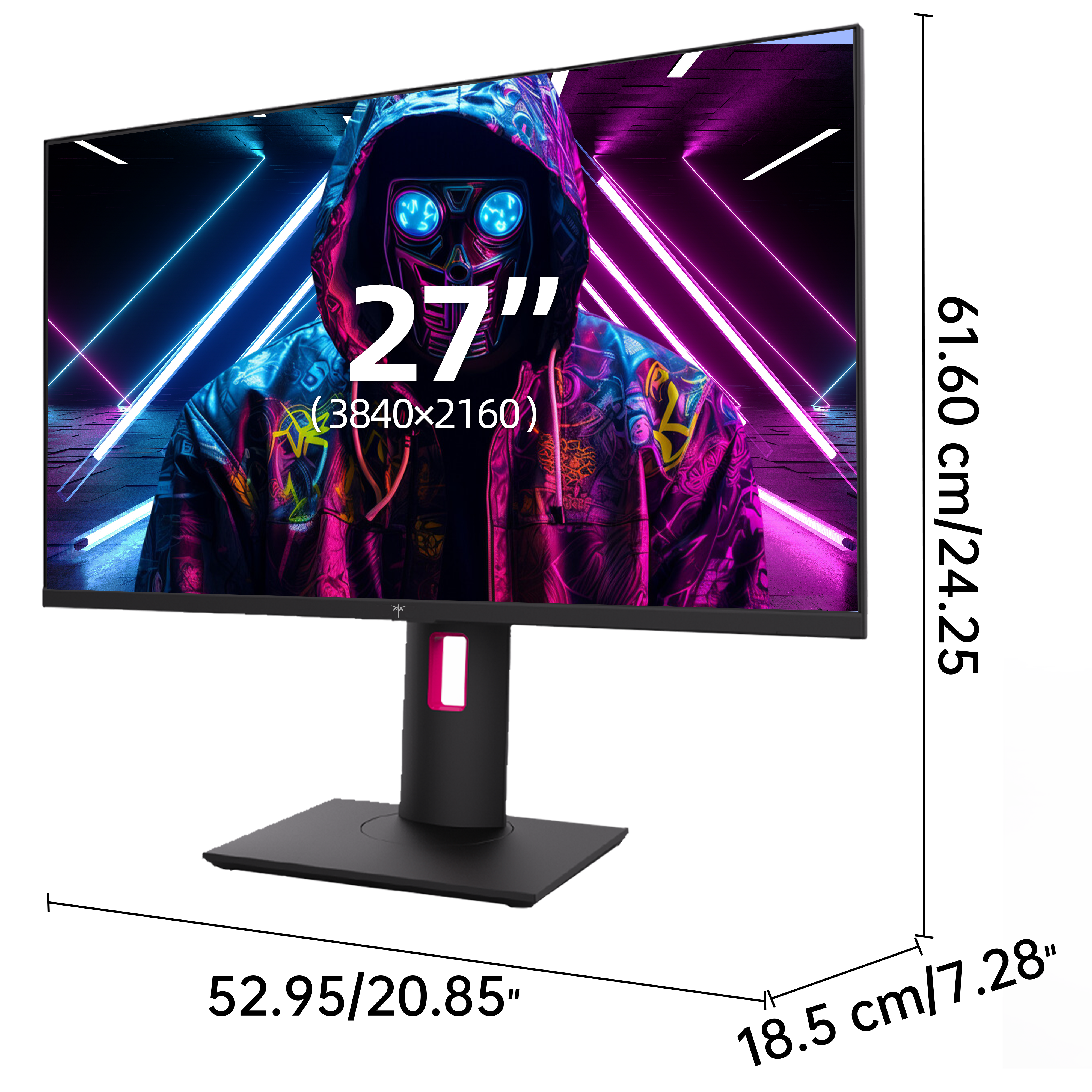
When embarking on the journey to select an IPS monitor, several key factors come into play, each significantly impacting your user experience. Screen size is usually the first consideration; larger screens can provide a more immersive experience, especially for gaming or watching movies. Resolution is another critical factor: while 1080p is standard, 1440p and 4K resolutions offer sharper images and more detail, which can be a game changer for professional graphic work. Refresh rate and response time are also vital, particularly for gamers. A higher refresh rate (such as 144Hz) coupled with a low response time (around 1ms to 5ms) can greatly enhance gameplay by reducing motion blur and providing smoother visuals. Additionally, considering your specific use case—whether you are gaming, engaging in professional design work, or simply using your monitor for general tasks—will guide your choice in these areas.
Comparing IPS Monitors: Features and Specifications
As you delve deeper into the world of IPS monitors, you'll encounter various features and specifications that warrant comparison. One important aspect is the color gamut; monitors with a wider color gamut can display a broader range of colors, enhancing visual fidelity. Brightness is equally crucial, especially if you intend to use your monitor in a brightly lit room. Connectivity options should also be on your checklist; having multiple ports such as HDMI and DisplayPort can facilitate connections to gaming consoles, laptops, or additional devices. Ergonomic adjustments, including height, tilt, and swivel capabilities, can greatly enhance comfort during long usage sessions. Remember, the features you prioritize should align with your specific needs—if you’re a gamer, focus on refresh rates and response times; if you’re a designer, prioritize color accuracy and gamut.
Budget Considerations and Value for Money
The price range for IPS monitors can vary widely, leading to a common concern: how do you know if you're getting good value for your money? Generally, you can find decent IPS monitors in the mid-range price category that offer a solid balance between features and performance. At higher price points, expect premium features such as enhanced color accuracy, higher refresh rates, and advanced connectivity options. However, it's a misconception that all high-priced monitors are automatically superior; sometimes, budget options can provide excellent performance for everyday tasks. To evaluate value for money, consider the essential features you need for your use case and compare them against the price. It might be worth it to invest a bit more for a monitor that checks all your boxes rather than going for the cheapest option.
Choosing the Right IPS Monitor for Your Needs
In summary, understanding IPS technology and its advantages is crucial when selecting the perfect monitor for your needs. Key factors such as screen size, resolution, refresh rate, and specific user requirements should guide your decision-making process. By comparing features and specifications, you can identify the monitor that aligns best with your expectations and budget. Ultimately, taking the time to assess your needs will lead you to a monitor that enhances your setup, whether for gaming, professional design, or general use. Make an informed choice, and enjoy the exceptional visual experience that an IPS monitor has to offer!



