


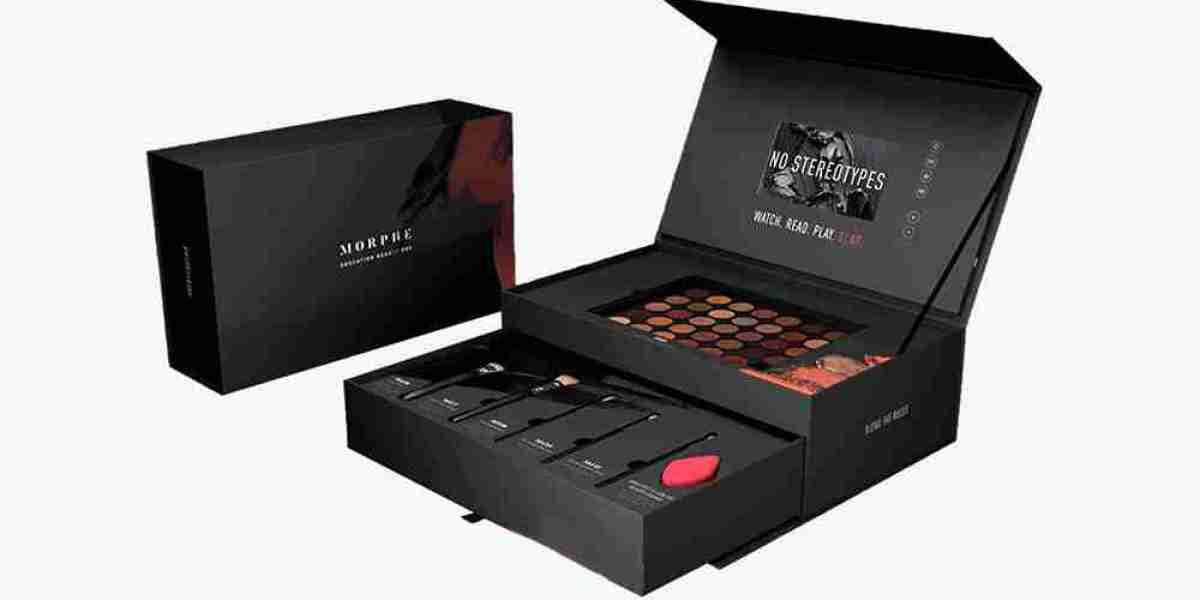
Preparing artwork correctly is one of the most important steps in custom box printing. High-quality artwork ensures that your packaging looks professional, reflects your brand identity, and prints without errors. Even the best box design can result in poor-quality packaging if the artwork is not prepared according to printing standards. From choosing the correct file format to setting the right color mode and adding bleed, every detail plays a vital role in producing flawless custom boxes .
Whether you're designing packaging for cosmetics, food, electronics, apparel, pharmaceuticals, or luxury products, following professional artwork guidelines helps avoid production delays, minimizes printing errors, and ensures the final packaging meets your expectations.
Start with the Correct Box Dieline
The first step in preparing artwork is obtaining the correct dieline from your packaging manufacturer. A dieline is a template that shows where the box will be cut, folded, creased, and glued.
Using the approved dieline ensures that all design elements are placed accurately and that the artwork aligns perfectly once the box is assembled. Avoid creating artwork without a dieline, as this may result in misplaced graphics or incorrect box dimensions.
Design in CMYK Color Mode
Packaging artwork should always be created in CMYK (Cyan, Magenta, Yellow, and Black) color mode instead of RGB.
RGB is designed for digital screens, while CMYK is specifically used for commercial printing. Designing in CMYK helps ensure that the printed colors closely match your original design and prevents unexpected color shifts during production.
If your brand uses specific corporate colors, you may also consider using Pantone (PMS) colors for greater consistency.
Use High-Resolution Images
Image quality has a greater impact on the final printed packaging.
All photographs and graphics should have a minimum resolution of 300 DPI (dots per inch) to ensure sharp and clear printing. Low-resolution images may appear blurry or pixelated once printed on the box.
Whenever possible, use vector graphics for logos, icons, and illustrations because they can be resized without losing quality.
Add Bleed and Safe Margins
Bleed is an essential part of print-ready artwork. It extends the background design beyond the final cut line to prevent unwanted white edges after trimming.
Most packaging manufacturers recommend adding a 3 mm bleed on all sides of the artwork.
In addition, important elements such as logos, text, barcodes, and product information should remain inside the safe zone , typically 3–5 mm away from the trim line. This prevents critical content from being cut during production.
Use Professional File Formats
Packaging manufacturers generally accept professional design files that preserve image quality and allow easy editing.
The most commonly used file formats include:
- Adobe Illustrator (.AI)
- Print-ready PDF (.PDF)
- EPS (.EPS)
- Adobe Photoshop (.PSD)
- High-resolution TIFF (.TIF)
Among these, AI and print-ready PDF files are the most preferred because they support vector graphics and maintain design accuracy.
Convert Fonts to Outlines
Before sending artwork for printing, convert all fonts into outlines or curves.
This ensures that the text appears exactly as designed, even if the printer does not have the same fonts installed on their system. Outlining fonts also prevents missing font errors and formatting issues during production.
If editable text is required, include the font files separately after confirming this with the manufacturer.
Check Artwork Placement
Carefully review the placement of every design element on the dieline.
Make sure that:
- Logos are centered correctly.
- The text is easy to read.
- Images align properly.
- Barcodes are fully visible.
- Fold lines do not pass through important graphics.
- Glue tabs remain free of essential artwork.
Proper placement ensures that the assembled box looks clean, balanced, and professional.
Proofread All Content
Before submitting your artwork, review every piece of text carefully.
Check:
- Product name
- Ingredients
- Instructions
- Contact details
- Website URL
- Social media handles
- Barcode numbers
- Spelling and grammar
Even a small typo can result in costly reprints, so proofreading is an important part of the artwork preparation process.
Request a Digital or Physical Proof
Most packaging manufacturers provide a digital proof or sample before full production begins.
Review the proof carefully to verify:
- Colors
- Design alignment
- Image quality
- Box dimensions
- Text accuracy
- Overall appearance
If possible, request a physical prototype to see how the finished box will look and function. Making changes during the proofing stage is much easier and less expensive than correcting mistakes after production.
Work with an Experienced Packaging Manufacturer
Preparing artwork becomes much easier when you work with an experienced packaging supplier. Professional manufacturers can provide dieline templates, recommend suitable file formats, review your artwork, and identify potential issues before printing begins.
Their expertise helps ensure that your custom boxes are produced accurately, saving both time and production costs.
Final Thoughts
Preparing artwork for custom boxes requires careful attention to detail and a clear understanding of professional printing standards. Using the correct dieline, designing in CMYK color mode, adding bleed and safe margins, selecting high-resolution images, and submitting print-ready file formats all contribute to high-quality packaging.
By following these best practices and reviewing your artwork thoroughly before production, you can create custom boxes that showcase your brand, protect your products, and deliver a premium customer experience. Well-prepared artwork not only improves print quality but also helps ensure a smooth manufacturing process, allowing your packaging to make a strong and lasting impression on your customers.



